
Retired storage media may still contain contracts, personnel records, and financial data. Media sanitization makes access to targeted data infeasible within a defined level of effort.
Organizations don’t protect information by deleting files or discarding equipment alone. Without a deliberate process, an old drive or paper record exposes sensitive data to potential threats. The NIST 800-88 media sanitization framework gives security teams a structured way to destroy sensitive information.
What Is the NIST?
The National Institute of Standards and Technology (NIST) operates within the U.S. Department of Commerce. Its research supports measurement science and technical standards.
Cybersecurity resources guide public agencies and private organizations for security programs. However, NIST 800-88 doesn’t prescribe one identical action for every device. The guidance instead supports decisions grounded in data sensitivity and storage technology.
NIST 800-88 Defines Sanitization Practices
NIST 800-88 guides organizations in developing media sanitization programs. It uses a risk-based approach that aligns the chosen method with information sensitivity and the intended disposition of the media.
The guideline also outlines the need for repeatable procedures across the full media lifecycle, ensuring consistent handling from initial use through retirement. It emphasizes defining clear roles to strengthen accountability and improve traceability when equipment is transferred or leaves organizational control.
In addition, it directs program designers to include verification of each sanitization action and validation of outcomes against confidentiality requirements to confirm that the chosen method reduces risk to an acceptable level.
The Three Sanitization Methods
NIST 800-88 defines three sanitization methods that address varying levels of data recovery risk. Security teams evaluate the sensitivity of the information and the type of media before selecting an approach.
Clear
Clear removes data using software-based techniques that target user-accessible storage areas. Teams often overwrite existing data or perform a supported factory reset to complete this process. The method protects against basic recovery attempts and allows organizations to continue using the media after sanitization.
Purge
Purge strengthens data protection by using advanced software-based or physical techniques that block even laboratory-level recovery efforts. Organizations commonly rely on cryptographic erase, which renders encrypted data inaccessible by destroying the encryption keys. Teams must carefully match the the technique to the device’s qualities if they plan to continue using the device afterward.
Destroy
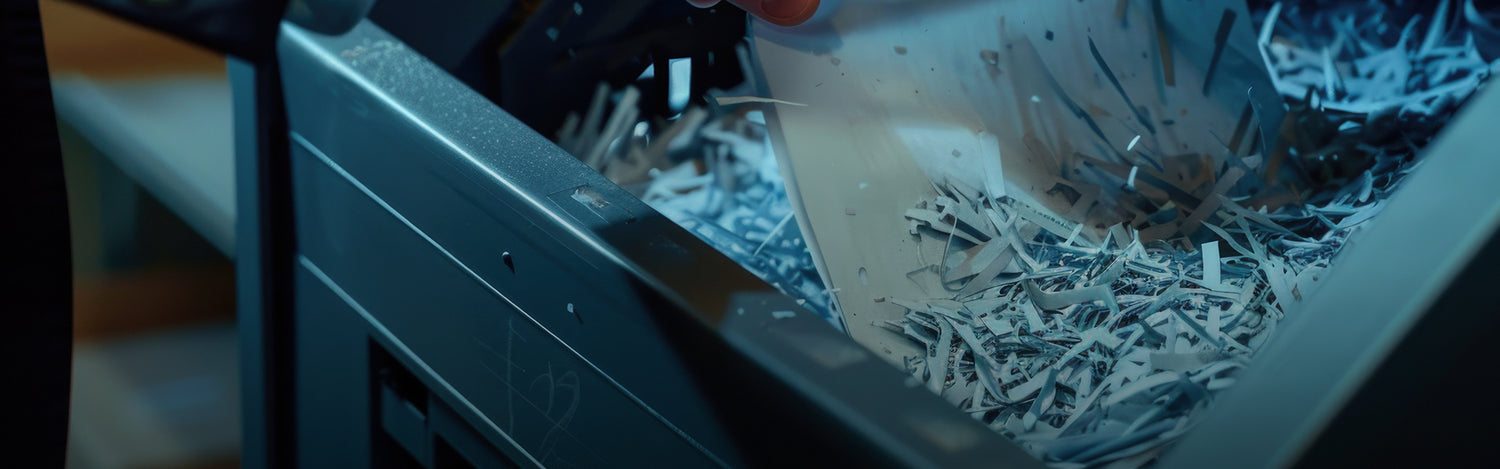
The destroy method eliminates both the data and the usability of the storage media. Teams physically break down the device so that recovery becomes impossible. They may shred, crush, or disintegrate hard drives and other storage components to achieve this result. Organizations must follow internal policies and technical standards to ensure they complete the destruction process correctly.
Protect Sensitive Media With Reliable Equipment
Organizations strengthen data security when they prepare for media sanitization. Using the NIST 800-88 media sanitization methods will ensure you accommodate the data’s sensitivity level and the media type.
Capital Shredder is a paper shredder company that supplies destruction equipment for paper documents, optical media, hard drives, and solid-state storage. When organizations align the right equipment with their sanitization strategy, they reduce the risk of data exposure at end-of-life. Find the machine that will support your organization’s media sanitization plan.